· OpenClaw Wiki Team · Use Cases · 3 min read
10 Real-World OpenClaw Use Cases: Automate Your Life with Self-Hosted AI Agents in 2026
Explore 10 practical and creative use cases for OpenClaw, the open-source platform for running autonomous AI agents on your own hardware.
10 Real-World OpenClaw Use Cases: Automate Your Life with Self-Hosted AI Agents in 2026
OpenClaw is revolutionizing how we interact with AI by allowing users to run powerful, autonomous agents locally on their hardware. From productivity boosts to creative automations, users on X (formerly Twitter) and across the web are sharing exciting real-world applications. In this post, we’ll dive into 10 innovative ways to leverage OpenClaw, complete with examples shared by the community.
1. Morning Briefings
Start your day informed with OpenClaw compiling personalized summaries. It can pull from emails, news feeds, and calendars to deliver a daily digest via WhatsApp or Slack. As shared by users on X, this automation ensures you never miss key updates while sipping your coffee.

2. Email Triage
Overwhelmed by your inbox? OpenClaw can scan, categorize, and even respond to emails. Community examples include archiving spam, summarizing threads, and flagging urgent messages, saving hours each week.

3. Home Automation
Integrate OpenClaw with smart home devices for intelligent control. X users have shared setups like weather-aware boiler adjustments or light controls based on your schedule, making your home more efficient and responsive.

4. Code and Dev Workflows
For developers, OpenClaw acts as a tireless pair programmer. It can review code, run tests, refactor PRs, and even open pull requests. Posts on X highlight how it coordinates with other agents for seamless dev ops.

5. Social Media Automation
Manage your online presence effortlessly. OpenClaw can track replies, draft responses, research trends on X, and schedule posts. One viral X thread showed it handling customer support queries in real-time.
6. Automated Trading
Turn OpenClaw into a trading bot. Community shares on X include integrations with platforms like Polymarket, where it analyzes sentiment, news, and volatility to execute trades autonomously—turning $100 into $347 overnight in one case.

7. File Organization
Tame your digital clutter. OpenClaw can compare folders, identify duplicates, and organize files across local and cloud storage. Users report it handling large-scale uploads and maintaining backups with ease.

8. Receipt Processing
Snap a photo of a receipt and let OpenClaw handle the rest. It uses OCR to extract data, categorize expenses, and update spreadsheets. X examples include personal expense tracking with alerts and reports.

9. Calendar and Scheduling
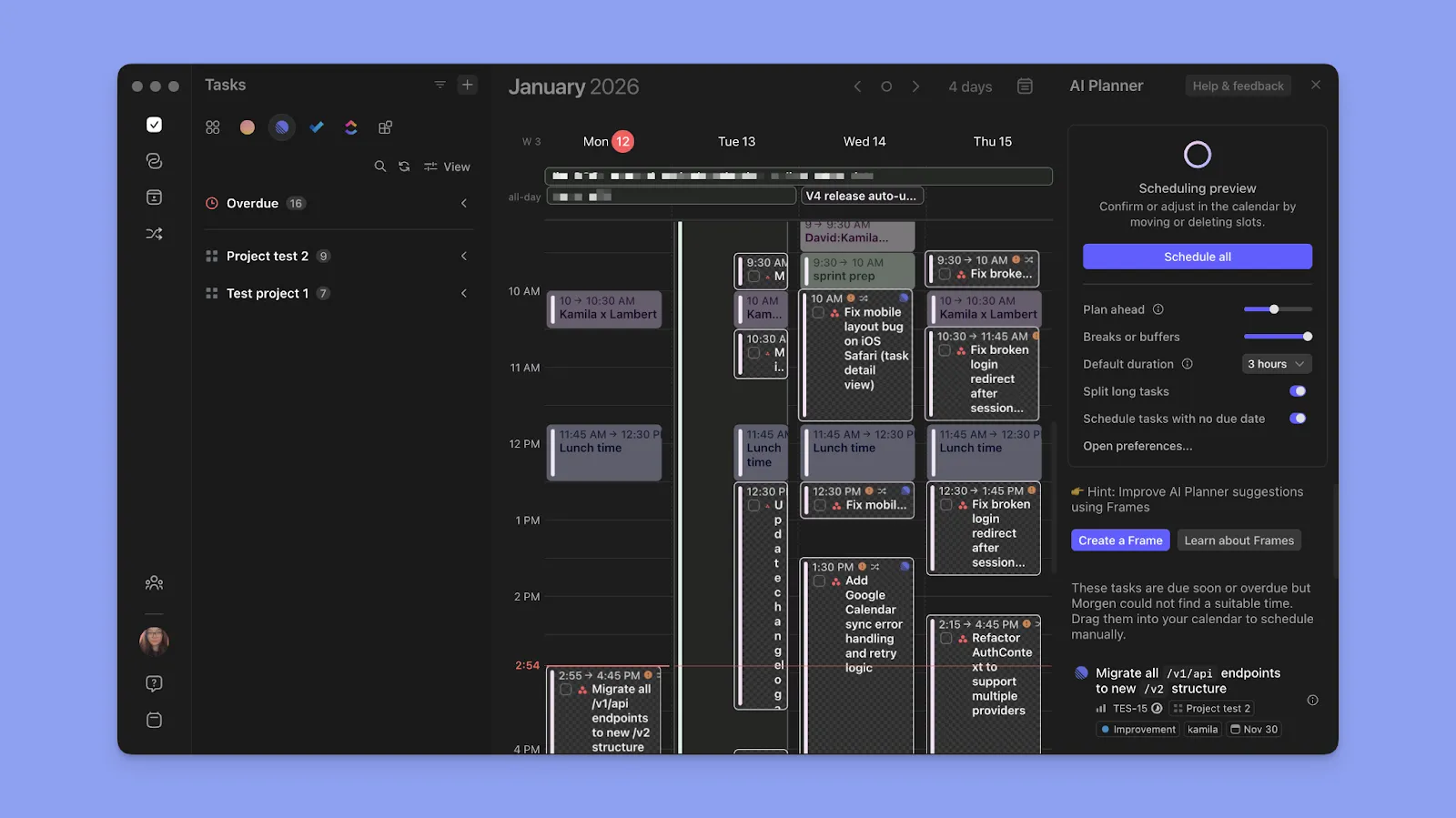
Never double-book again. OpenClaw manages events, sets reminders, and even reschedules based on emails. Community use cases involve creating recurring tasks and integrating with multiple calendars for seamless coordination.
10. Content Creation
Generate and edit content on demand. From drafting blog posts to creating video subtitles or social media threads, OpenClaw’s skills shine. X users have shared how it collaborates on projects, maintaining context across sessions.
These use cases demonstrate OpenClaw’s versatility, drawn from real shares on X and web resources. Whether you’re automating daily tasks or building complex workflows, OpenClaw empowers you to take control of your AI experience. Ready to try it? Head over to the OpenClaw GitHub repo and start experimenting!